
After Covid, it felt like the world moved online overnight, writes Kaia Bint-Savage.
Gone were the days of sitting in overly air-conditioned offices for meetings that seemed to last for hours, no more were we taking two buses and three trains for a 30 minute ‘catch up’.
We suddenly found ourselves in zoomwear, pajamas from the waist down in a very serious meeting with the big boss, sticking another load of laundry on in between calls. What do you mean I sound like I’m in the bath? No, no, it’s just echo-ey in here!
Along with the sudden move to online, we had a sudden influx of updated threats.
Scammers started getting sneakier, hackers started hiding their heinous ‘click me!’ links better. Opportunists? They got more opportunities.
For many, there was a lot of information to take in quickly, and it was an initiation of fire. 5 years on, and we’ve learnt a lot of lessons, but as journalists, we’re still often targets of nefarious behaviour online.
How do we stay smart, safe, and still turn up to our next Zoom with our dignity intact in 2025? Why are journalists a target?
We often have an unusually public presence. Social media, direct emails available online, bylines, contact info… these all can make it easier to identify personal information than maybe the average person online.
We want – nay, need – people to be able to get in contact with us. But being visible can mean being vulnerable.
If you’ve created content around a sensitive topic, those who disagree with you now have a direct line to you.
It used to be that newspapers would get handwritten complaints after publishing controversial articles. That meant that people either didn’t bother or took it really seriously. You have to really be enraged by something to spend time writing a physical letter, paying for an envelope and stamps, and posting it.
Nowadays, angry social media users simply have to move their thumbs and can deliver a torrent of abuse that pops up directly on your phone screen.
Your inbox may be the first to bear the brunt of this, but we’ve seen this happen to journalists and escalate with nasty results, from trolling campaigns to mass doxxing (doxxing is the intentional revelation of a person’s private information online without their consent, often with malicious intent).
This sounds horrific – and it can be. But there are a few ways to keep a good eye out for anything suspicious, and give yourself some great things to add a few extra layers of security that only take a few minutes to set up:
Emails: Check the Source
You’re probably used to cold emails; press releases, leads, pitches etc.
That’s what makes you potentially a little more vulnerable than others. Phishing (when criminals use scam emails, text messages or phone calls to trick their victims) is literally a full-time job for people now, so don’t assume you’ll immediately spot a dodgy email from the off.
● If an email feels strange (weird formatting, a too-good-to-be-true job, badly written throughout), it probably is.
● Never click attachments from strangers without checking the sender’s address and domain. Hover over links before clicking. Check the actual URL, not just the visible text.
● Be wary of QR codes in emails – you don’t know where they could take you.
● If someone’s asking for sensitive info or trying to rush you, pause. Even “urgent” requests deserve a second look.
You can actually report scam emails, and by doing so, you could provide support for vulnerable people – the National Cyber Security Centre has removed 380,000 scam URLS as a result of reporting as of February 2025.
Find out more, and report any weird emails here: www.ncsc.gov.uk/collection/phishing-scams/report-scam-email
If you use Microsoft Outlook 365, either personally or within your company, you can even turn on a ‘Report Phishing’ feature to make it easier to stay safe:
www.ncsc.gov.uk/guidance/configuring-o365-outlook-report-phishing-for-sers
Virtual meetings: Secure Your Calls
We all love a good virtual event, but not when someone uninvited turns up.
Trolls joining calls to derail conversations or flash disturbing content is, unfortunately, still an issue. With the right setup, it’s preventable.
● Always use waiting rooms and passwords for meetings, even small ones.
● If you’re hosting, make someone a co-host with you. If your computer loses internet, runs out of battery, freezes etc, you still need someone who can boot people out fast. Teamwork!
● Turn off screen sharing for participants unless necessary. You can turn it back on if you need to, but keeping screen sharing locked down is a good move to prevent… surprises.
● Learn where the mute-all and block buttons are before you need them. Do a test run with a colleague, and brutally mute and block them to make sure you can do it blindfolded.
These are general tips for virtual meeting software, but you should know that each one (Google Meet, Zoom, Teams etc) have their own strengths and weaknesses, and you may want to choose your preferred platform based on these traits.
Zoom gives you the most control, with waiting rooms, co-hosts, mute-all functions, but it’s also the most vulnerable to trolls if you don’t lock it down manually.
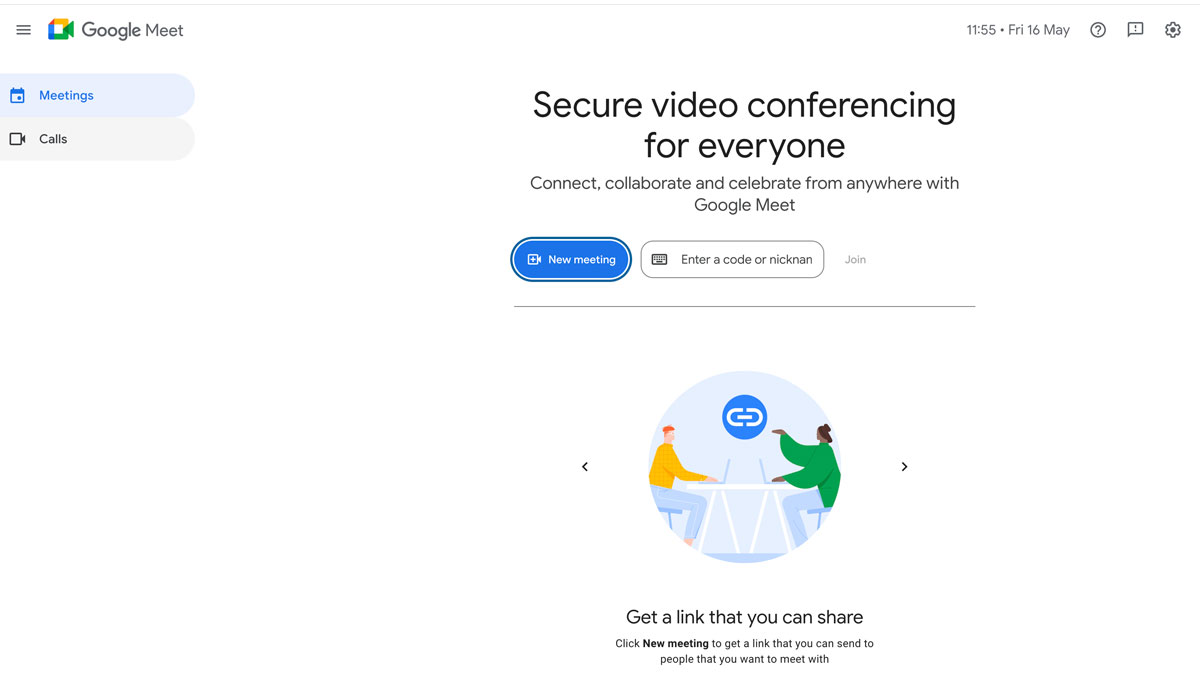
Google Meet is simpler and harder for randoms to crash, but it does lack key features like proper waiting rooms or advanced host controls.
Microsoft Teams, on the other hand, is designed for internal comms: secure and feature-rich if you’re working within a Microsoft 365 environment, but often clunky for anything casual or external.
Whichever platform you’re using, take five minutes to explore the security settings. The defaults aren’t always on your side.
Passwords: Sounds basic, actually isn’t
Journalists often have a lot of accounts. And by that, I mean a LOT of accounts.
Personally, I’m currently logged into seven different Instagram accounts. I have a variety of email accounts, other social media profiles, CMS logins, online portfolios, press databases, cloudstorage… it adds up quickly. Imagine if you used the same password for each – it would be a wonderful day for a hacker.
● Use a password manager like Bitwarden or 1Password. These generate strong, unique passwords and remember them for you, so no more recycled logins, back page of your diary covered in random letters and numbers, or scribbled Post-it notes that you accidentally recycle (sadly speaking from experience here).
● Turn on two-factor authentication (2FA, which means logging in with your password plus a code from your phone, so even if someone guesses your password, they’re locked out) for everything, especially your email and social media. It’s a simple way to stop someone from getting into your accounts even if they crack your password.
● Working with an editor or collaborator? Some managers let you share passwords securely without sending them over email. If you have to share a password over the phone, either call or use an encrypted app like WhatsApp or Signal. And then DELETE the message after. It may be encrypted, but that doesn’t stop someone from reading past messages if your phone gets stolen.
File and sources: Keep them secure – it’s the law
Often, as a journalist, you may end up holding a lot of sensitive information.
How you keep that information secure is vital, as it’s also quite literally the law in some cases to keep it secure.
From in-depth interviews and private meetings to embargoed documents and press releases, you don’t want this stuff leaking.
You’re probably not going to leave documents on a train (!), accidentally tweet a photo with your browser tabs showing confidential briefings (!!), or add the wrong person to a Signal group chat (!!!) – but how do you ensure that you prevent becoming a cautionary tale yourself?
● Use encrypted apps like Signal (again, just check who you’re adding to group chats) or ProtonMail for anything involving confidential sources or private briefings.
● Lock your devices. Seriously. Phone, laptop, tablet, everything should have a passcode or biometric (Locks that grant access based on a unique body trait of the person trying to open it. This can mean either your retina, face or your fingerprint lock.
● Double-check document permissions before sharing. Triple-check them if they’re especially sensitive. Google Docs links set to “anyone with the link” are an easy win for accidental leaks.
● Look at every screenshot you share. This may sound patronising, but your eyes get used to what you see on the screen. Check the tabs you’ve included in the screenshot. A friend once got a screenshot from a colleague that had a Google Doc file open with the title ‘NAME – TO BE FIRED 10/12’, which made the next two weeks quite awkward.
● I know, public wi-fi can be convenient. For example, in the centre of London, more and more people are reporting awful 4/5 G coverage on their phones, so that cafe wifi can look tempting. However, it’s an eavesdropper’s dream. Avoid editing anything sensitive on open networks. It’s not just your private details they can find, it’s the content you’re writing too. If you’re on a deadline in a Pret, hotspot from your phone or use a VPN, unless you want someone reading your exposé before your editor does.
Social media: More of the media, less of the social
We know that as journalists, we have to be present on social media. But how present should we actually be? Yes, people need to contact us. Yes, there’s often a little photograph and byline under every article clearly telling the world who wrote it. Yes, we have to post on our Instagram stories at events, clearly showing everyone exactly where we are. But we can still take precautions…
● Don’t just use one email address. If you have to have your email address visible on social media, or on websites, it’s great practice to use that one for communications, and another one for logins to accounts. It’s a bit of a hassle at first, but it can be handy. And it keeps your emails a bit tidier – win-win.
● Use two-factor authentication on every platform; it is crucial.
● Know where the privacy and blocking settings are on every social media profile that you have. Like virtual meetings, if someone starts bothering you, you should be able to act fast.
● Keep screenshots and records. If someone crosses a line, having evidence helps if you need to report them or take it further.
● Watch out for impersonation accounts. Fake accounts mimicking journalists or organisations aren’t unusual.
If you’re a woman, this sadly won’t be a surprise. Research indicates that women journalists are disproportionately targeted by disinformation campaigns and online harassment. These attacks often aim to undermine their credibility, discredit their work, and discourage them from continuing their reporting.
You can’t stop them, but you can set up Google Alerts for your name and handles, which can help. And if they do pop up, ask your colleagues to report them as well.
This might sound like a lot to take in at once, but if you go through your accounts and make sure you’ve got your settings locked down, you can save yourself a lot of hassle in the future.
Journalists have got hundreds of things to think about – making edits to a file called FINAL_final_final_thursday_draft_final.doc, chasing up permissions from a contributor or dealing with yet another submission that you’re pretty sure is from an AI bot.
Don’t let being hacked or phished be an issue that is added to that list.
With so much of our lives online, a hacker really can bring your whole world crashing down in an instant. Y
ou don’t need to live in a giant Faraday cage, but the work you do (and you as well) deserves protection.
Stay visible, yes. But stay vigilant. And above all, stay in control of your story